Geometry Vibes 3D
🎯 How to Play?
Player 1: W, Left Mouse Click, or Spacebar. Player 2 (in 2 Player Mode): Up Arrow Key. Mobile Devices: Tap anywhere on the screen to jump – touch controls are fully supported.
About
Geometry Vibes 3D takes everything you loved about the original Geometry Vibes and brings it into a vibrant, dynamic 3D world. With fully reimagined levels and stunning new visuals, this version elevates your reflexes and rhythm-based skills to new dimensions. Geometry Vibes 3D introduces exciting additions to elevate your experience: Collectible Stars: Each level in Classic Mode has 3 stars to collect, with a total of 90 stars across all levels and difficulties (30 per difficulty). Stars serve as a badge of skill and currency to unlock exclusive items! Market: Spend your hard-earned stars to unlock a special arrow skin or choose from dazzling 3D skins and trails to customize your vibe. Leaderboard for Endless Mode: Compete globally and see how you stack up against players worldwide. Difficulty Modes: Classic Mode now offers Rookie, Pro, and Expert settings, catering to beginners and veterans alike. How is Geometry Vibes 3D different from the original Geometry Vibes? Geometry Vibes 3D reimagines the original with fully 3D levels, new features like collectible stars, difficulty modes (Rookie, Pro, Expert), a global Leaderboard, and a Market for skins and trails. The multiplayer is streamlined to 2-Player Mode for a cleaner experience. Can I play Geometry Vibes 3D on my phone? Absolutely! The game is optimized for mobile devices with smooth touch controls, ensuring a seamless experience on both iOS and Android. How do I unlock the special arrow skin? Collect stars in Classic Mode to unlock the exclusive arrow skin in the Market. You can earn up to 90 stars by completing all levels in Rookie, Pro, and Expert difficulties. Is there an online multiplayer mode? Geometry Vibes 3D features local 2-Player Mode for face-to-face competition. While there’s no online multiplayer, you can compete globally via the Endless Mode Leaderboard. Why is there only 2-Player Mode instead of 4-Player Mode like the original? To maintain clear visuals and avoid clutter in the 3D environment, we focused on a polished 2-Player local multiplayer experience.
SSS
▸ How to play Geometry Vibes 3D?
Player 1: W, Left Mouse click, or Spacebar. Player 2 (in 2 Player Mode): Up Arrow keys. Mobile Devices: Tap anywhere on the screen to jump – Tap on screen controls are fully supported.
▸ Is Geometry Vibes 3D free?
Yes, Geometry Vibes 3D is completely free. No membership or payment required; Open the page and play now.
▸ Is there a download required for Geometry Vibes 3D?
No. Geometry Vibes 3D is an HTML5 game and runs directly in your browser — no downloads or installations.
▸ Can Geometry Vibes 3D be played on a phone?
Yes, Geometry Vibes 3D can also be played on mobile browsers (phone and tablet).
Similar Games
PVZ Fusion Cheats
strategy
Hazmob FPS: Online Shooter
action

Gym Simulator Online, Escape
action

Cat and Granny
arcade
Kick Lucky Blocks Online
arcade
+1 Speed: Escape Prison
action
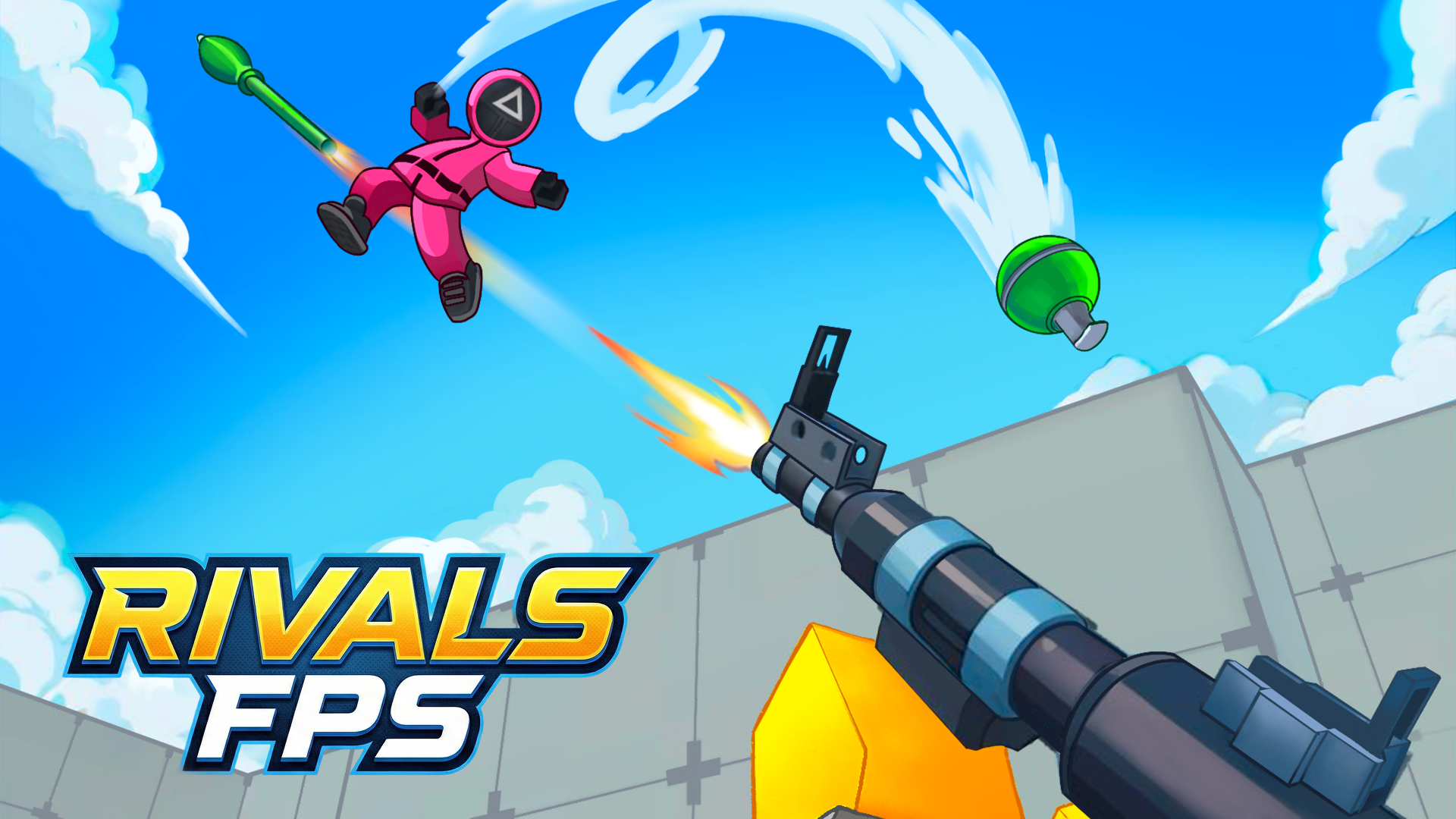
RIVALS FPS: Online Shooter
action

PLAYMUSIC
action

Basketball Stars
arcade

Geometry Arrow 2
arcade
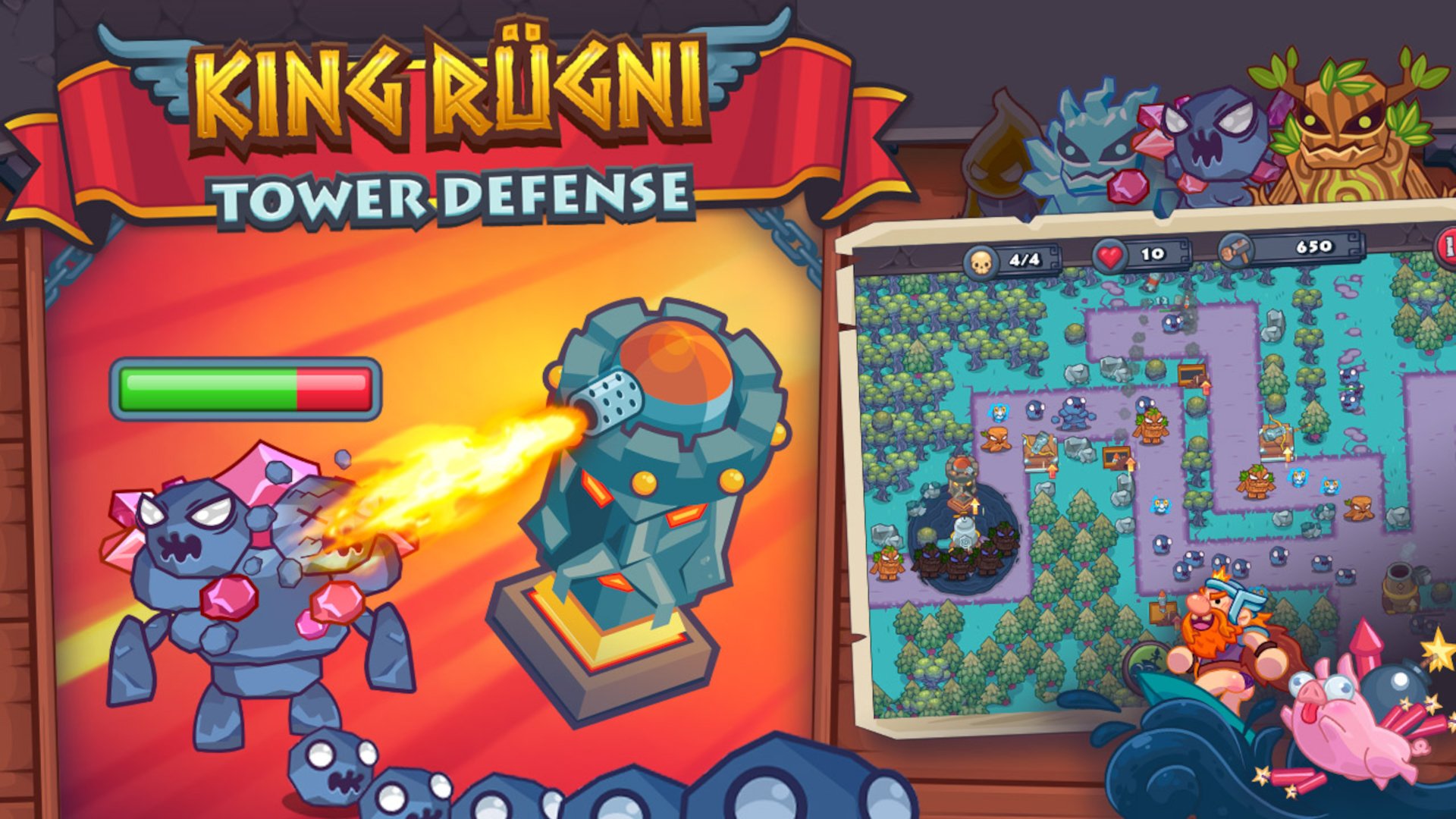
King Rugni Tower Defense
action
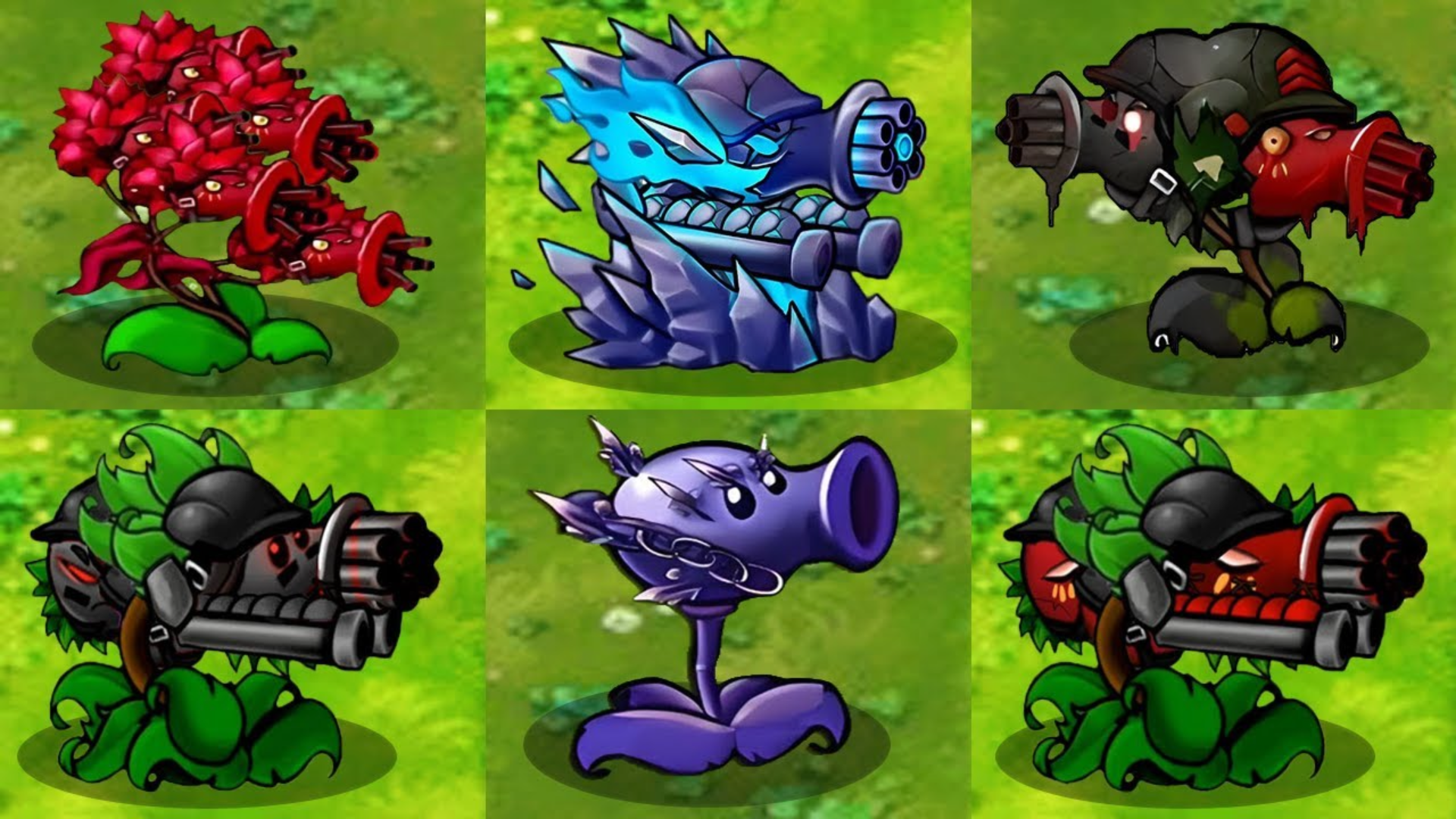
Plants vs Zombies Hybrids
strategy