Origin
🎯 How to Play?
Desktop Controls: ← (Left Arrow) / A: Move left. → (Right Arrow) / D: Move right. ↑ (Up Arrow) / Space / W: Jump. R: Restart. Q: To Menu. M: Mute. Mobile Controls: On-screen Buttons.
About
Collect the orbs to unlock the door and escape! Use the Arrow Keys or WASD to move and jump. To activate the door, collect all the black orbs. In later levels, you'll be able to double jump. You can press W or UP twice to double jump. However, you only have a limited amount of chances to do this, indicated by the JUMP counter in the upper left corner of the screen. Make sure you avoid the spikes!
SSS
▸ How to play Origin?
Play with mouse or keyboard. Detailed controls are shown on the game screen.
▸ Is Origin free?
Yes, Origin is completely free. No membership or payment required; Open the page and play now.
▸ Is a download required for Origin?
No. Origin is an HTML5 game and runs directly in your browser — no downloads or installations.
▸ Can Origin be played on a phone?
Yes, Origin can also be played on mobile browsers (phone and tablet).
Similar Games

PVZ Fusion Cheats
strategy
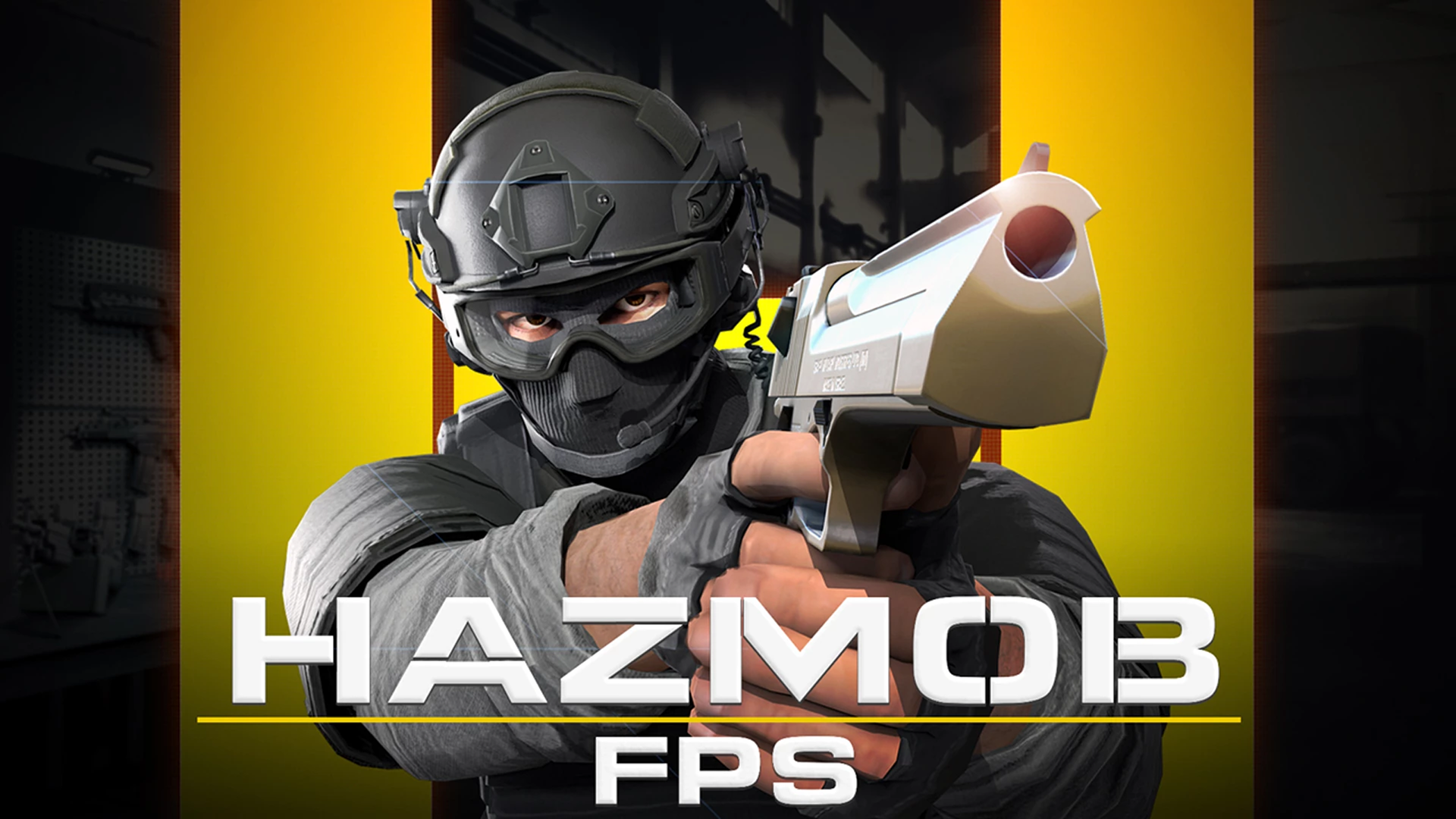
Hazmob FPS: Online Shooter
action

Gym Simulator Online, Escape
action

Cat and Granny
arcade
Kick Lucky Blocks Online
arcade
+1 Speed: Escape Prison
action
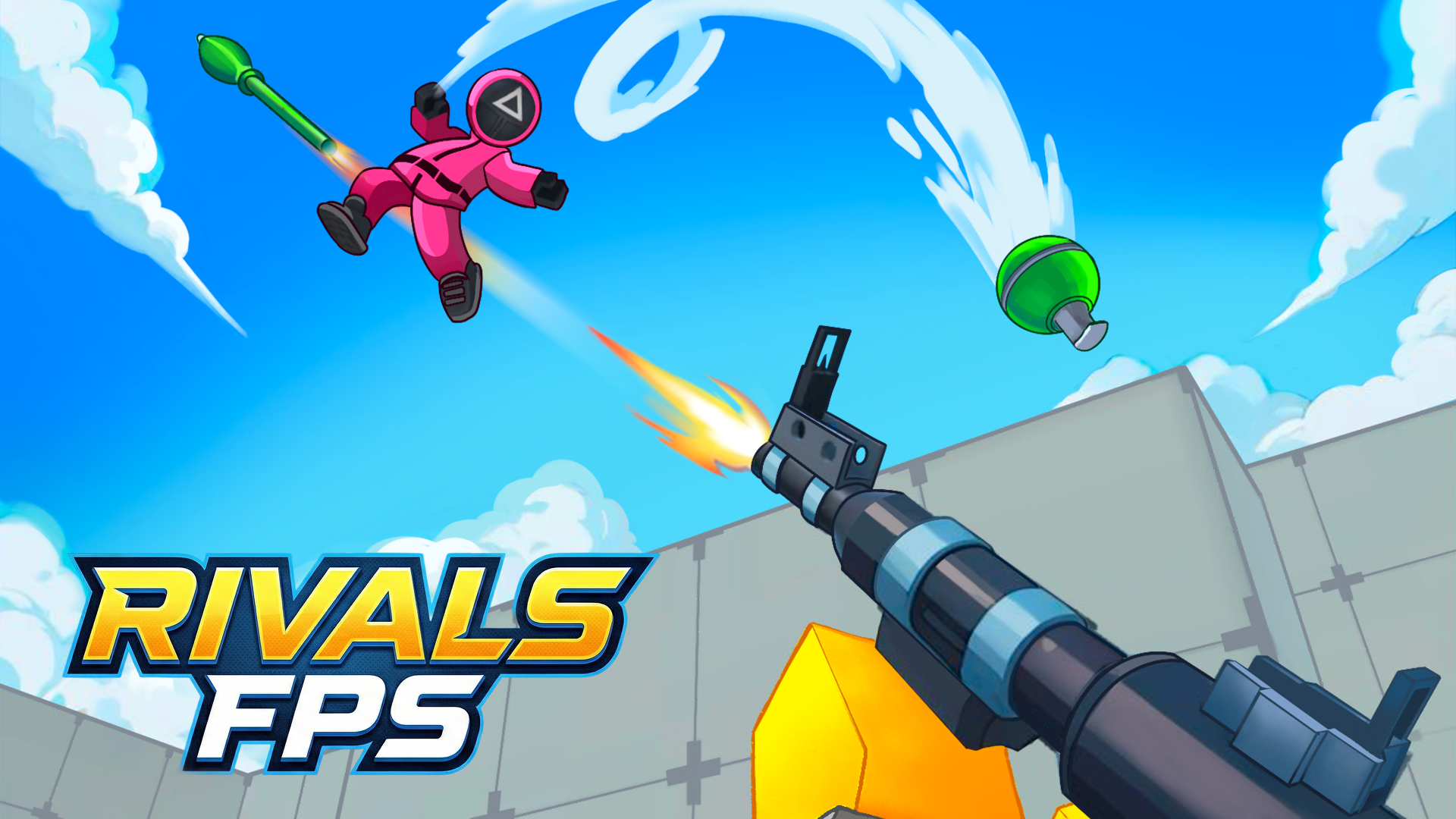
RIVALS FPS: Online Shooter
action

PLAYMUSIC
action

Basketball Stars
arcade

Geometry Arrow 2
arcade
King Rugni Tower Defense
action
Plants vs Zombies Hybrids
strategy