FPS Toy Realism
🎯 How to Play?
Keyboard: WASD M2 - for aiming M1 - for shooting T - inspect weapon J - close assistant Space - jump TAB - for counting P - for menu 1-2 numbers - for changing weapon. Q and E - for changing player position Mobile devices: Controls - buttons Automatic shooting when aiming or by shooting button
About
This new shooter offers a unique experience of team battles on a large 12x12 map. Thanks to the excellent shooting feel and precise shooting mechanics, every shot feels realistic and exciting. The game features a weapon purchasing system similar to popular shooters, allowing you to select and customize your arsenal before the fight for maximum effectiveness. Support items such as medkits and rockets are available to help you quickly restore health or destroy enemies with powerful rocket volleys.
SSS
▸ How to play FPS Toy Realism?
Play with mouse or keyboard. Detailed controls are shown on the game screen.
▸ Is FPS Toy Realism free?
Yes, FPS Toy Realism is completely free. No membership or payment required; Open the page and play now.
▸ Is a download required for FPS Toy Realism?
No. FPS Toy Realism is an HTML5 game and runs directly in your browser — no downloads or installations.
▸ Can FPS Toy Realism be played on a phone?
Yes, FPS Toy Realism can also be played on mobile browsers (phone and tablet).
Similar Games

PVZ Fusion Cheats
strategy
Hazmob FPS: Online Shooter
action

Gym Simulator Online, Escape
action

Cat and Granny
arcade
Kick Lucky Blocks Online
arcade
+1 Speed: Escape Prison
action
RIVALS FPS: Online Shooter
action

PLAYMUSIC
action

Basketball Stars
arcade

Geometry Arrow 2
arcade
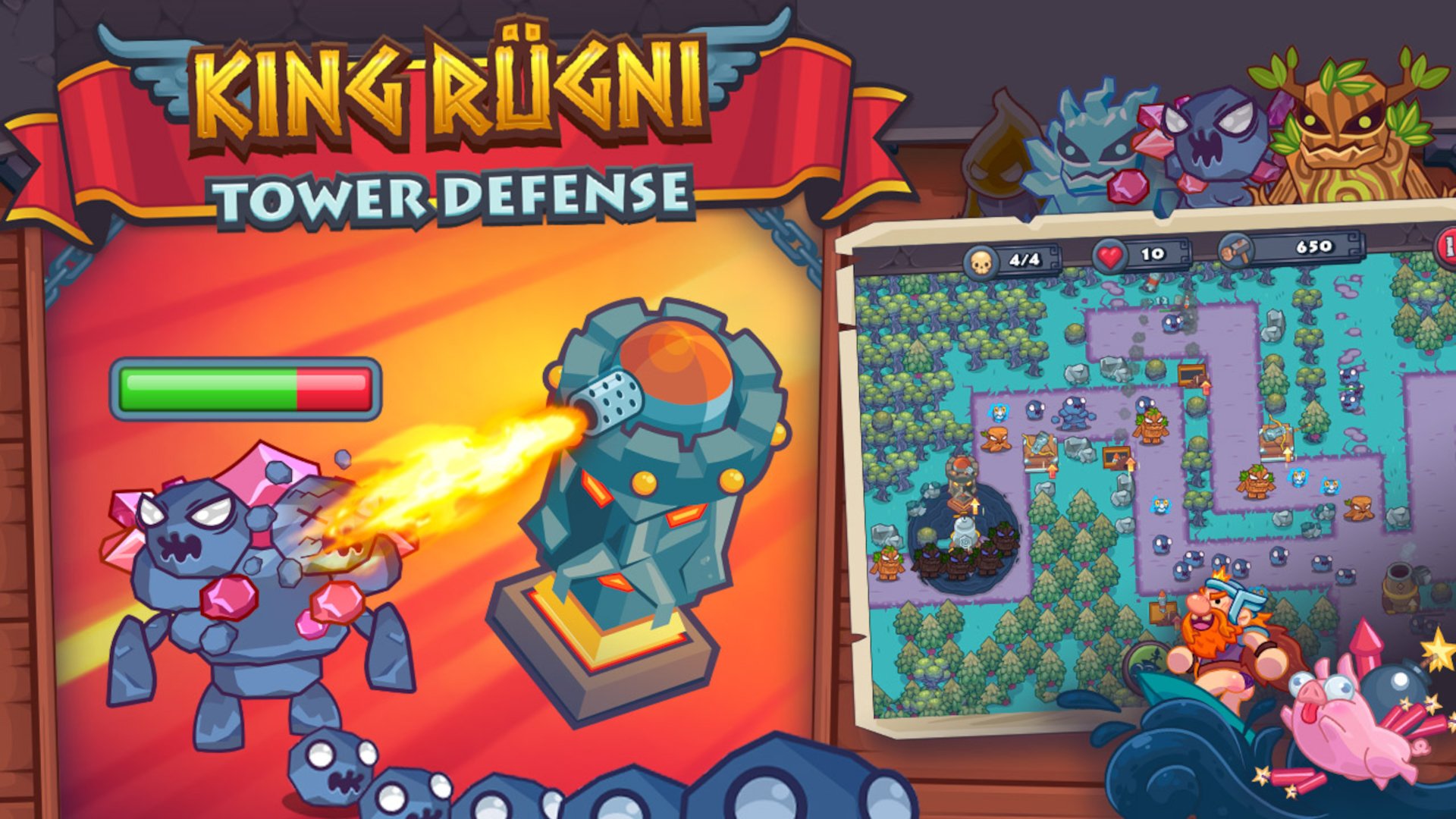
King Rugni Tower Defense
action

Plants vs Zombies Hybrids
strategy