ULTIMATE CHESS
🎯 How to Play?
Mouse Click on a piece to select it Green squares move red squares capture Click on a highlighted square to make the move Restart Start a new game same mode and difficulty Back to menu
About
Ultimate Chess is a classic chess game to play in the browser. Choose Player vs Player to play with a friend on the same device, or Player vs AI and choose the difficulty: Easy, Medium, or Hard. It is played with the mouse: click on a piece and then on a green square to move or on a red one to capture. Includes check and checkmate, castling, pawn promotion, move history, and sound effects. Clear interface with turn indicator and Restart and Back to Menu buttons.
SSS
▸ How to play ULTIMATE CHESS?
Mouse click on a piece to select it Green squares move red squares capture Click on a highlighted square to make the move Restart Start a new game same mode and difficulty Back to menu
▸ Is ULTIMATE CHESS free?
Yes, ULTIMATE CHESS is completely free. No membership or payment required; Open the page and play now.
▸ Is there a download required for ULTIMATE CHESS?
No. ULTIMATE CHESS is an HTML5 game and runs directly in your browser — no downloads or installations.
▸ Can ULTIMATE CHESS be played on the phone?
Yes, ULTIMATE CHESS can also be played on mobile browsers (phone and tablet).
Similar Games

Hidden Objects: Island Secrets
mouse
Robby +1 To Jump Power Per Second
arcade
Snake 2048
io

Color Pixels - Coloring by Numbers
number

Break Stick Completely
arcade

Mystery Squishy Dumpling Blind Box
funny
Idle Game Dev Simulator
simulation

Draw or Delete LoveStory
hidden-object
SKATE: +1 Speed
skill

Idle Cinema Tycoon
simulation
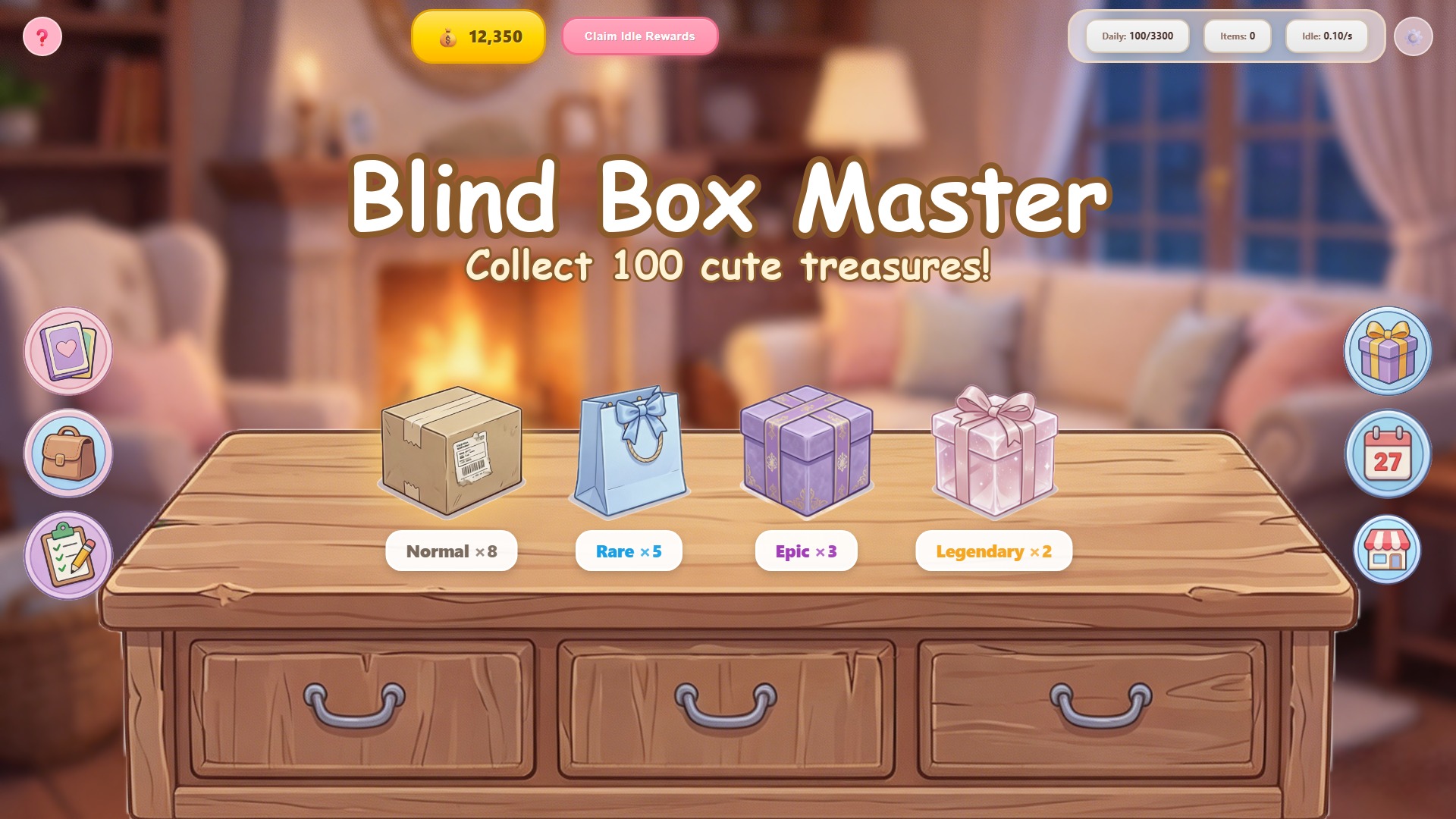
Blind Box Master
cozy
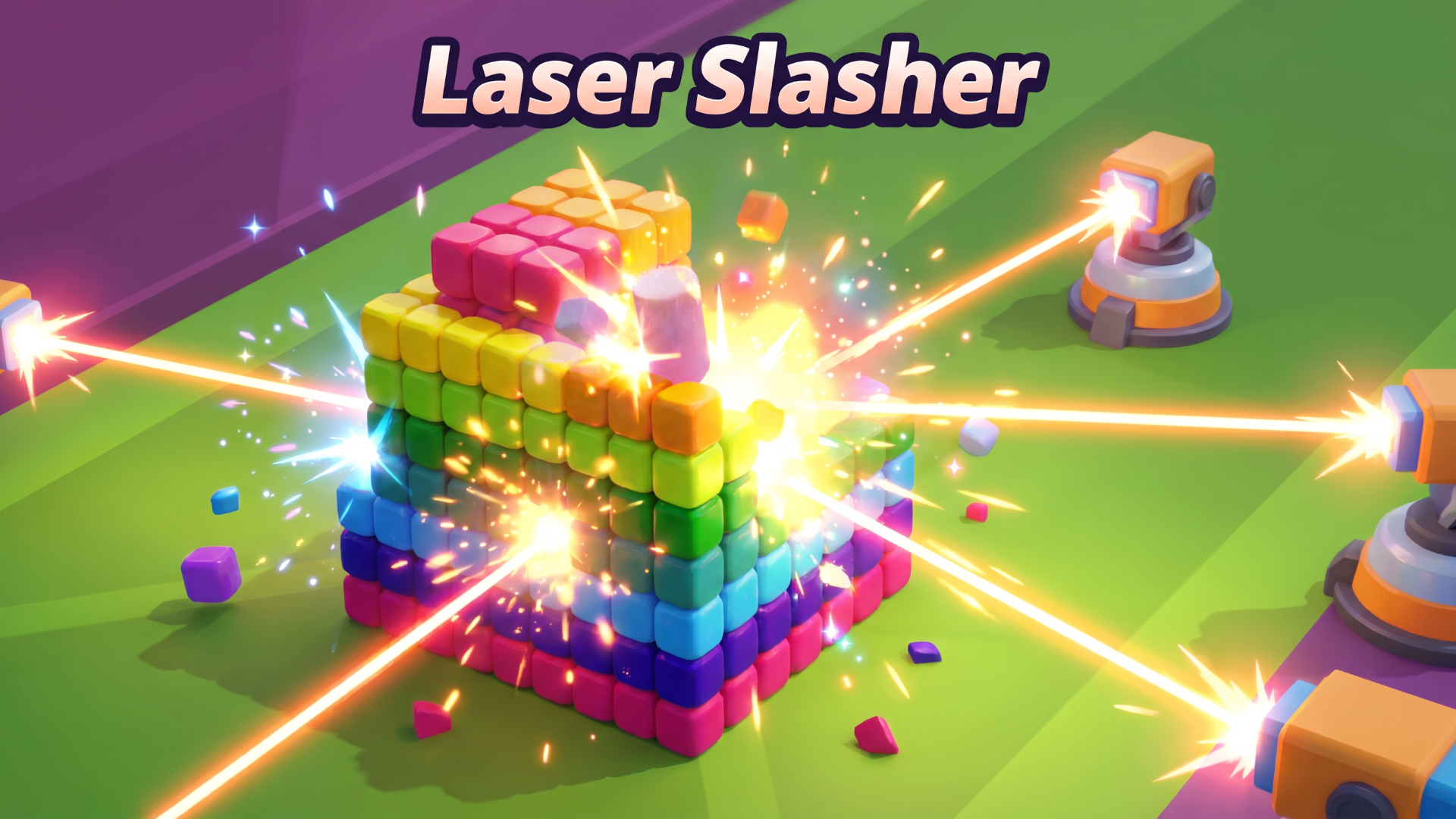
Laser Slasher
arcade