Neon Ping Pong
🎯 How to Play?
Player 1 Left Paddle Keyboard Use the W key to move the paddle up and the S key to move the paddle down Mouse Touch Move the mouse or drag your finger on the left half of the screen to control the paddle position Player 2 Right Paddle - 2-Player M
About
Dive into the futuristic, fast-paced action of Neon Ping Pong 2.0, The Championship Edition! This modern take on classic Pong features stunning neon graphics, intense gameplay, and multiple modes. Challenge the increasingly difficult AI in 1-Player mode, or face off against a friend in 2-Player local mode. V2.0 Updates: Customize your game experience with the new Settings Menu, allowing you to adjust paddle size and set a maximum ball speed limit for controlled chaos.
SSS
▸ How to play Neon Ping Pong?
Player 1 Left Paddle keyboard Use the W key to move the paddle up and the S key to move the paddle down Mouse Touch the screen Move the mouse or Drag your finger on the left half of the screen to control the paddle position Player 2 Right Paddle - 2-Player M
▸ Is Neon Ping Pong free?
Yes, Neon Ping Pong is completely free. No membership or payment required; Open the page and play now.
▸ Does Neon Ping Pong require a download?
No. Neon Ping Pong is an HTML5 game and runs directly in your browser — no downloads or installations.
▸ Can Neon Ping Pong be played on the phone?
Yes, Neon Ping Pong can also be played on mobile browsers (phone and tablet).
Similar Games
PVZ Fusion Cheats
strategy
Hazmob FPS: Online Shooter
action

Gym Simulator Online, Escape
action

Cat and Granny
arcade
Kick Lucky Blocks Online
arcade
+1 Speed: Escape Prison
action
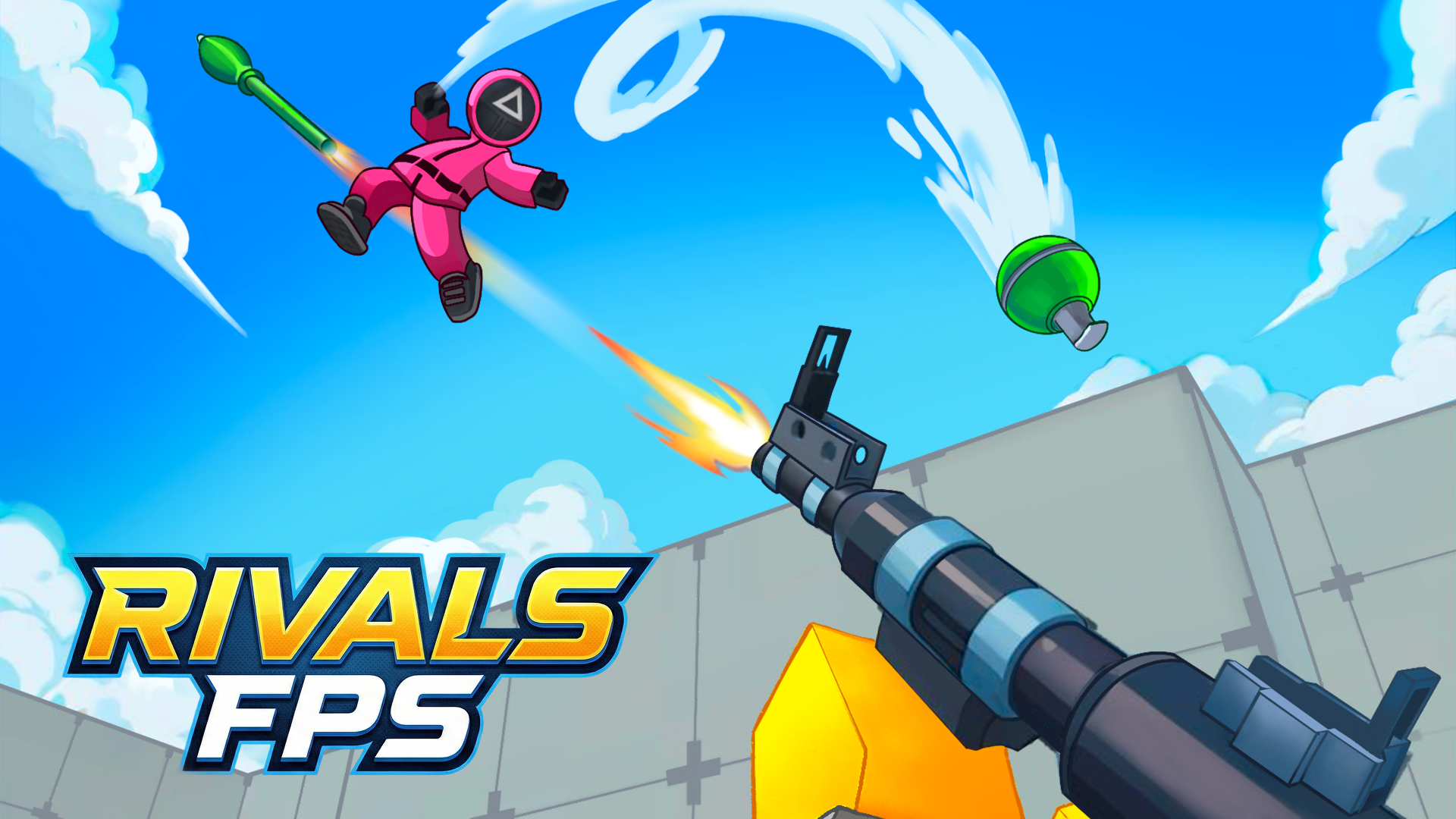
RIVALS FPS: Online Shooter
action

PLAYMUSIC
action

Basketball Stars
arcade

Geometry Arrow 2
arcade
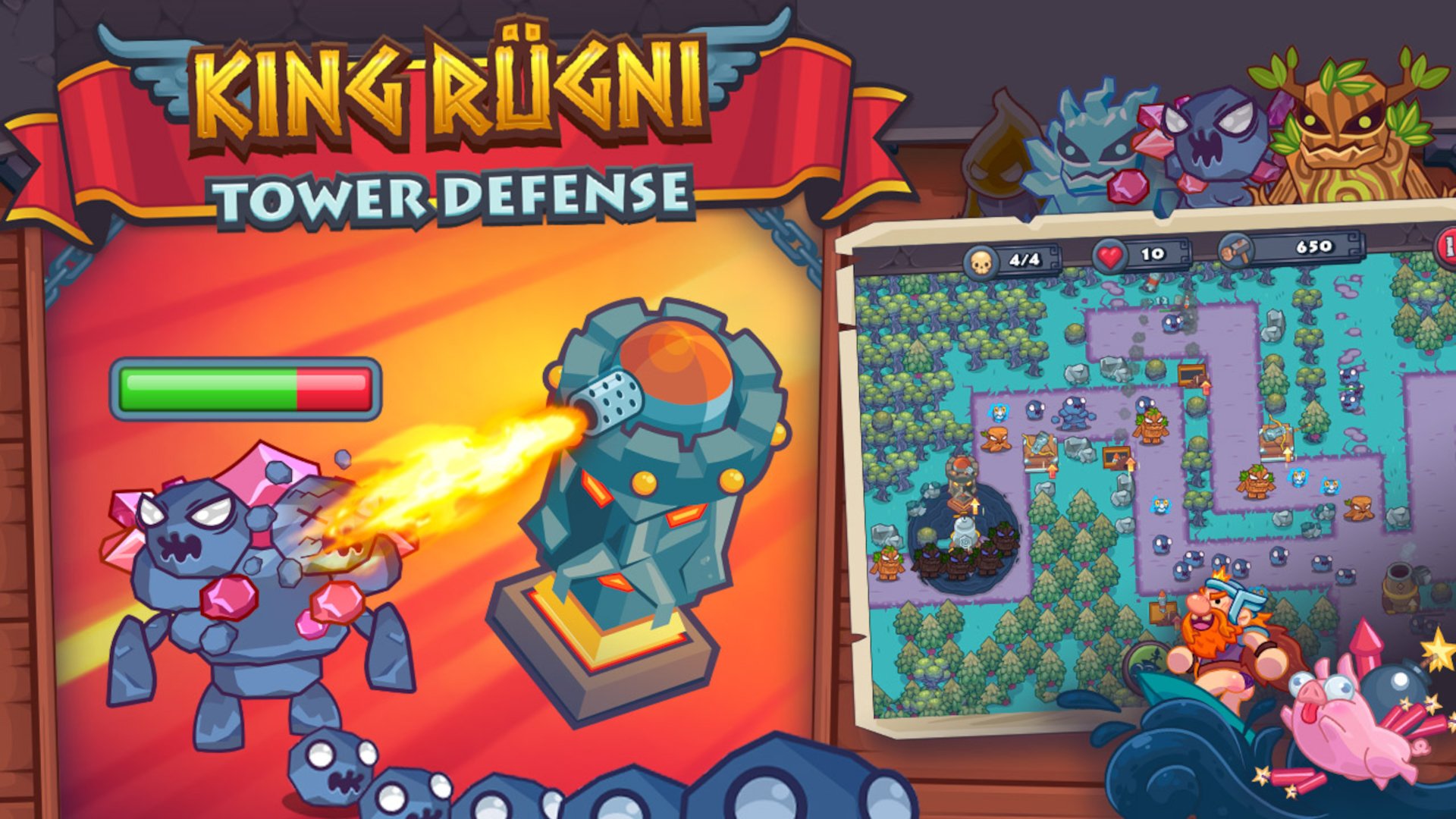
King Rugni Tower Defense
action
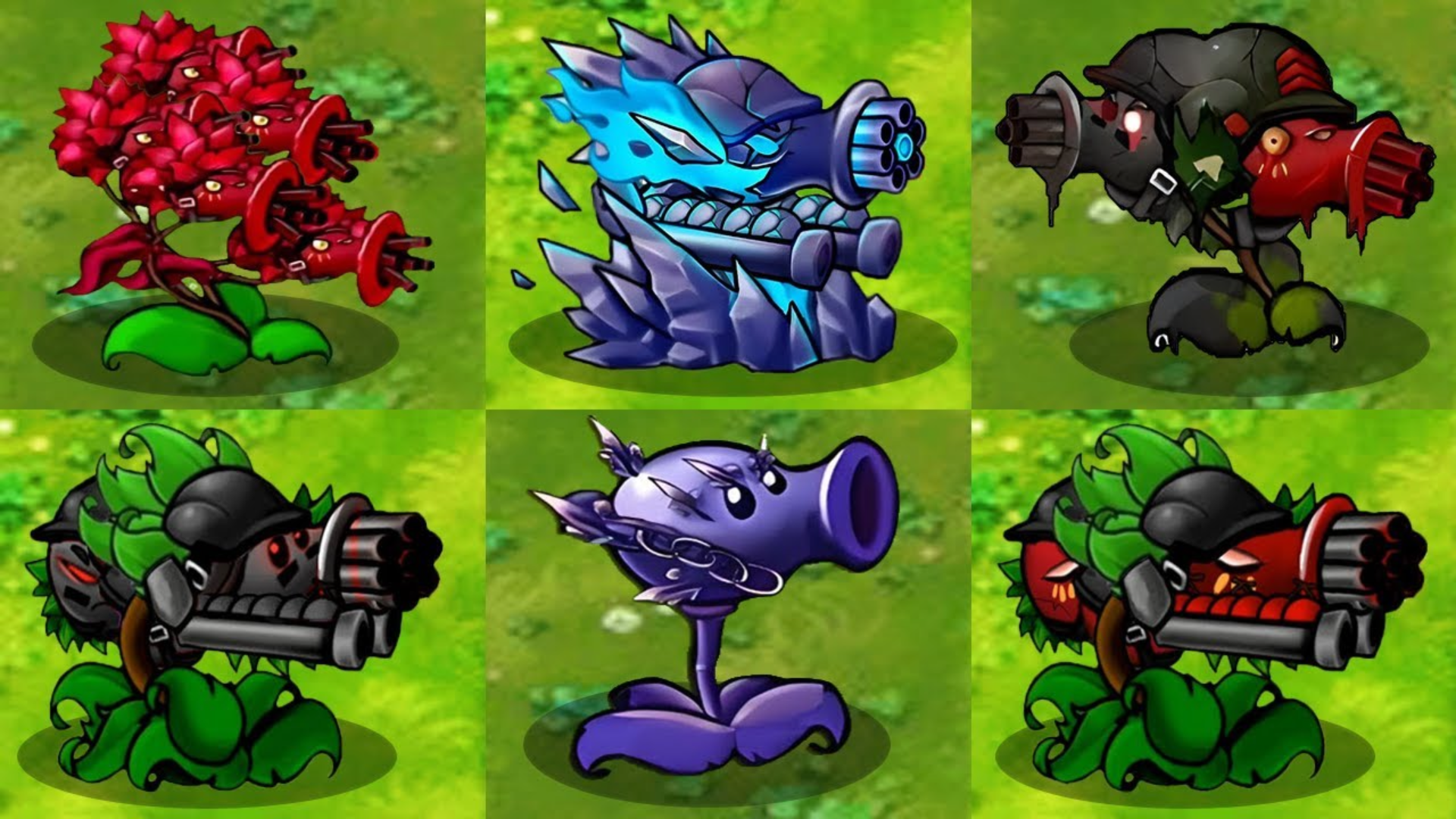
Plants vs Zombies Hybrids
strategy